



Welcome to the Apps for Kids Highlight- May Edition
Welcome to the May edition of the “Apps for Kids” newsletter. This month, inspired by the Artemis lunar mission, we focus on the future of human spaceflight. Our “Living in Space” lesson provides a scientifically grounded look at the biological and engineering challenges of sustaining life beyond Earth. To complement this curriculum, we are launching a hands-on design challenge: your students will design and engineer their own Moon Rover.
These resources are structured to build technical proficiency, spatial reasoning, and a comprehensive understanding of modern space exploration. Please explore the materials below to integrate these innovations into your instruction.
Awesome projects!
Check out these cool projects that we selected this month. Congratulations to the inspired designers! See all the shared projects on the Apps for Kids Website.
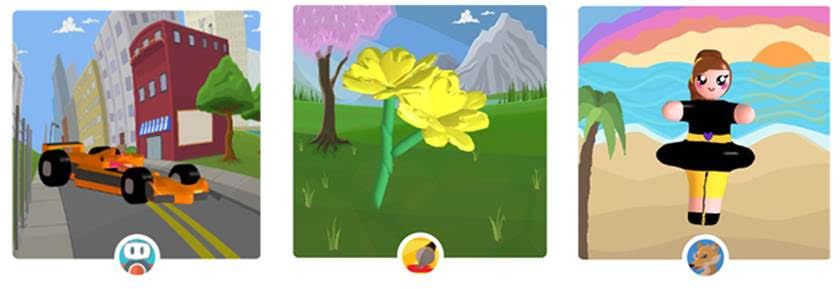
race car
In the Spotlight
Teaching Space Design: The Living in Space ProjectTeaching Space Design: The Living in Space Project

Educators and parents carry the responsibility of preparing students for a future driven by technological advancement and scientific innovation. You can inspire students to create, invent and shape their futures by introducing practical design concepts early in their education. The “Living in Space” project offers a structured, engaging way to introduce K-12 students to aerospace engineering, civil engineering and 3D modeling.
Using SOLIDWORKS Apps for Kids, students explore the science of space habitation while developing critical thinking skills. They design extraterrestrial habitats, test their ideas and connect digital modeling to physical reality. This guide explains how to facilitate this project and turn a simple lesson into a robust exploration of human survival outside our atmosphere.
Sparking Curiosity: The Preparatory Discussion
Before students open any software, you must establish a strong scientific foundation. The “Consider This” phase of the lesson prompts students to think about space exploration and its unique challenges. Because most places outside Earth cannot easily support human life, explorers must bring or build everything they need to survive.
Click here to continue reading about the whole story.
Inspiration and Challenges
Ready to launch your classroom into the future? Turn your students into mission-ready aerospace engineers with an out-of-this-world design challenge! Inspired by the groundbreaking Artemis mission, this tutorial takes your class on a journey to build and style their very own lunar rover in SOLIDWORKS Apps for Kids. It’s the perfect way to spark curiosity, ignite creativity, and let your students take the controls as they engineer solutions for the moon’s rugged surface. Dive into the video, grab your design tools, and get ready for a classroom experience that is truly stellar. Your future engineers are waiting for liftoff!
Do you want to see your students’ or your kids’ designs on SOLIDWORKS Education Facebook, Twitter, or Instagram? Share their A4K creation on social media, mentioning #lunarrover AND #swa4k, and we might feature them on our channels!
Thank you from us all in the Apps for Kids Team!
***
Useful info and links :
• Sign up for an individual creator account, or a classroom account today!
Login to your Apps for Kids Classroom account
Login to your individual Apps for Kids Creator account
***
Share your Feedback with us
We would love to hear from you, feel free to share what you are doing with Apps for Kids or any improvement you feel we could make.
To share feedback with us, click your avatar at the top right and then choose “Submit Feedback”. Your feedback is directly shared to the Apps for Kids team!
***
If you no longer wish to receive this newsletter, login to your Apps for Kids Creator or Classroom account and go to your profile. Here you can choose to subscribe or unsubscribe. To unsubscribe from general communication from Dassault Systèmes SolidWorks Corporation, please use the link in the email footer.
***
Back to Blog